



Build a service website that converts: step-by-step guide
Build a service website that converts: step-by-step guide

Most service businesses get online and then wonder why the phone isn't ringing. The truth is, simply having a website isn't enough. Your site needs to be built with intention, from the first page a visitor lands on to the moment they hit "book now." Every extra second of load time drops conversions by 4.42%, which means the technical details matter just as much as the design. In this guide, we'll walk you through the prep work, the build process, and the optimization steps that turn a basic website into a real lead-generating asset for your service business.
Table of Contents
- What you need before starting: Tools, prep, and requirements
- Step-by-step website building process
- Optimizing for conversions: Mobile, speed, SEO, and trust
- Avoiding common website mistakes
- Our take: The overlooked secrets to service website success
- Ready to build or upgrade your service industry website?
- Frequently asked questions
Key Takeaways
| Point | Details |
|---|---|
| Essential website tools | Choose a platform with drag-and-drop editing, booking, and mobile-ready design for easy setup. |
| Focus on conversions | Prioritize online booking, fast loading, and trust signals on every page to maximize results. |
| Optimize for local leads | Use local SEO phrases, price transparency, and Google Business integration for better local traffic. |
| Avoid common pitfalls | Don't use generic templates or overload your site—keep it clear, branded, and user-friendly. |
What you need before starting: Tools, prep, and requirements
Once you understand why a well-built website matters, start by gathering the right tools and resources. Jumping straight into building without a plan is like showing up to a job site without your equipment. You'll waste time, make avoidable mistakes, and probably have to redo a lot of work.
The first decision is choosing a website builder. Wix, Squarespace, and WordPress are the most popular options for service businesses, each with its own strengths. Here's a quick comparison to help you decide:
| Feature | Wix | Squarespace | WordPress |
|---|---|---|---|
| Ease of use | Very easy | Easy | Moderate |
| Templates | 800+ | 100+ | Thousands |
| Booking tools | Built-in | Built-in | Plugin-based |
| Payment processing | Yes | Yes | Plugin-based |
| SEO flexibility | Good | Good | Excellent |
| Best for | Beginners | Visual brands | Scalable sites |
Before you open any builder, gather your business assets. This includes your logo, professional photos, a clear value proposition, service descriptions, and any existing customer reviews. Having this ready saves hours of back-and-forth later.
Your site also needs the right pages from day one. Essential pages include a homepage, services page, about page, contact or booking form, testimonials, and a blog. Each page has a job to do, and skipping any of them leaves money on the table.
Here's what every service business website needs:
- Homepage: Clear value proposition and a strong call-to-action (CTA)
- Services page: Detailed descriptions, pricing where possible, and outcomes
- About page: Your story, credentials, and team to build trust
- Contact or booking page: Easy form, phone number, and scheduling tool
- Testimonials page: Social proof from real clients
- Blog: Educational content that supports your website and SEO essentials
Also think about your brand identity before you start. Answering key branding questions early, like what makes you different and who your ideal client is, will shape every design decision you make.
Pro Tip: Map out your customer journey before you structure your pages. Ask yourself: how does someone go from finding you on Google to booking a service? Every page should move them one step closer to that goal.
Step-by-step website building process
With your foundation set, it's time to actually build the website. This is where most business owners either get overwhelmed or cut corners. Following a clear sequence keeps the process manageable.
One of the first decisions you'll face is whether to use a template or invest in a custom design. Both have real trade-offs:
| Option | Template | Custom design |
|---|---|---|
| Cost | Low | Higher |
| Time to launch | Fast (days) | Longer (weeks) |
| Uniqueness | Generic | Fully branded |
| Flexibility | Limited | High |
| Best for | Getting started | Established brands |
If you're just launching, a well-chosen template gets you live quickly. If you're ready to stand out and scale, custom website development gives you a site built around your specific business goals.
Here's the step-by-step build process:
- Sign up for your chosen platform and select a service-friendly template
- Set up your domain and connect it to your hosting
- Build your core pages starting with the homepage, then services, about, and contact
- Write your service descriptions with clear outcomes, not just feature lists
- Add pricing or at least a pricing range to set expectations
- Embed a booking or inquiry form on your services and contact pages
- Integrate a payment tool so clients can pay a deposit or full fee online
- Add testimonials and any certifications or trust badges
- Install analytics (Google Analytics is free) so you can track what's working
- Test everything on mobile and desktop before going live
When it comes to forms, less is more. Online booking and lead capture forms are proven conversion drivers, but only when they're simple enough to complete.
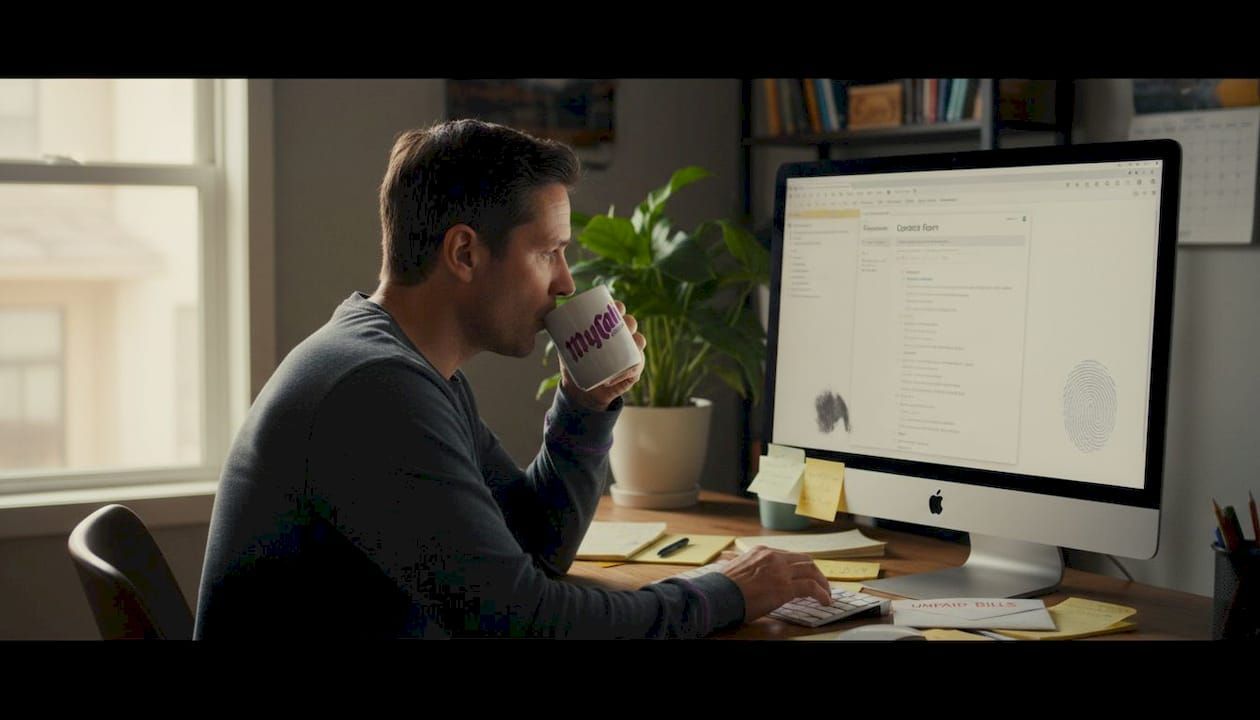
Pro Tip: Removing just a few unnecessary fields from your contact form can boost form completions by up to 160%. Ask only for what you truly need: name, email, service type, and preferred date.
Optimizing for conversions: Mobile, speed, SEO, and trust
After building your website, you're only halfway there. A few more moves make it a real sales asset. This is where many service business owners stop short, and it's exactly where the biggest gains are hiding.
Mobile optimization is non-negotiable. 88% of visitors will not return to a site after a poor mobile experience. Most of your potential clients are searching on their phones, especially for local services. If your site is hard to navigate on a small screen, you're losing leads before they even read your services page.
Speed matters just as much. Use Google PageSpeed Insights (free) to test your load time and follow its recommendations. Compress images, reduce unnecessary plugins, and choose a hosting plan that can handle your traffic.
Here are the key conversion optimization actions to take:
- Mobile-first design: Test every page on at least two different phone models
- Fast loading: Aim for under 3 seconds on mobile
- Local SEO: Use location-based keywords in your page titles and descriptions through solid SEO and website optimization
- Clear CTAs: Every page should have one obvious next step, like "Book a free call" or "Get a quote"
- 50+ reviews: Businesses with more than 50 Google reviews see significantly higher click-through rates
- Trust signals: Display certifications, awards, and professional affiliations prominently
"The average conversion rate for home services sits between 3.7% and 9%, but top-performing websites hit 11.45% or higher. The difference isn't luck, it's intentional design and trust-building."
Testimonials and case studies are among the most powerful trust signals you can add. Real client outcomes, with names and photos where possible, convert far better than generic praise.
Avoiding common website mistakes
Optimizing your site is crucial, but so is knowing what pitfalls to avoid. We've seen the same mistakes repeated across hundreds of service business websites, and they're all fixable once you know what to look for.
Leading with client problems and solutions rather than a list of your features is one of the most impactful shifts you can make. Visitors don't care about what you offer in the abstract. They care about whether you can solve their specific problem.
Here are the most damaging mistakes to avoid:
- Cluttered design: Too many elements compete for attention and confuse visitors
- Unclear CTAs: If people don't know what to do next, they leave
- Slow load times: Every extra second costs you real customers
- Hiding pricing: Transparent pricing builds trust and filters in better-fit clients
- Missing trust signals: No reviews, no credentials, no proof you're legitimate
- Generic templates: A template that doesn't reflect your brand makes you look like every other competitor
Generic templates are a bigger problem than most people realize. When your site looks identical to ten other local businesses, there's nothing to make a visitor choose you. Investing in even small brand customizations, like your colors, fonts, and photography style, creates a distinct identity. You can see how this plays out in real projects through our case study examples.
Local SEO is also frequently ignored. Claiming and optimizing your Google Business Profile, using city and neighborhood names in your content, and earning local reviews all drive the kind of traffic that actually converts.
Pro Tip: Always test your site on your own phone before launch. Then hand it to someone who has never seen it and ask them to find your contact page. If they struggle, your navigation needs work.
For a deeper look at brand consistency across your site, reviewing custom logo samples can spark ideas for how to differentiate your visual identity.
Our take: The overlooked secrets to service website success
Conventional wisdom says that any website is better than no website. We'd push back on that. A poorly built site with confusing navigation, slow load times, and a generic template can actually hurt your credibility more than having no site at all. Visitors make snap judgments, and a bad first impression is hard to recover from.
What we've seen move the needle for service businesses isn't just better design. It's dynamic content, like rotating testimonials tied to specific services, interactive case studies that show real before-and-after results, and subtle personalization based on where a visitor came from. These elements create a sense of relevance that static pages simply can't match.
The other thing most owners overlook is that a website is never truly finished. Conversion rate optimization (CRO) is an ongoing process. Testing different headlines, CTA button colors, or form placements consistently compounds over time. The businesses that treat their site as a living tool, not a one-time project, are the ones that win. If you're unsure where to start, choosing the right web agency to guide that process is one of the best investments you can make.
Ready to build or upgrade your service industry website?
Now that you know what works, here's how to get the expert help you need. Building a site that actually converts takes more than picking a template and filling in the blanks. It takes strategy, brand clarity, and technical know-how working together.
At Mycali Designs, we specialize in helping service businesses look professional, build trust, and attract more clients online. Whether you need a complete website and SEO services package, a full set of business branding packages, or just want to explore your options, we're here to help. Check out our website design FAQ to get answers to the most common questions, or reach out directly to start a conversation about your goals.
Frequently asked questions
What pages should a service industry website include?
Effective service websites include a homepage, detailed services page with pricing, about page, contact or booking form, testimonials, and a blog to support ongoing SEO.
How do I make my service website get more online bookings?
Integrating online scheduling, placing clear CTAs on every key page, and enabling payment or inquiry forms directly on service pages are the fastest ways to increase bookings.
How important is mobile optimization for service websites?
It's critical. 88% of visitors won't return after a poor mobile experience, and every additional second of load time cuts conversions by more than 4%.
What mistakes should I avoid when building my site?
Avoid generic templates, cluttered layouts, hidden pricing, and missing testimonials. These are the four mistakes that most consistently cost service businesses real leads.
Recommended
Recent Posts